Pressure washingLaunched June 2026
TM Exterior Solutions
A pressure-washing site that does front-desk work: an AI assistant answers at any hour and steers every chat toward a free quote.
Designed and built solo for the owners, from the pages and the quote form to the AI assistant.
- Next.js 16
- React 19
- TypeScript
- OpenAI Agents SDK
- Tailwind CSS v4
- Framer Motion
- React Hook Form + Zod
- react-markdown
- Resend
- Vercel
- Client
- TM Exterior Solutions
- Industry
- Pressure washing
- My role
- Design and build
- Timeline
- Launched June 2026
- Stack
- 10 technologies
- Status
- Live
The problem
Pressure washing is sold on quick answers. A homeowner wants to know whether a roof can be soft washed, whether the crew covers their town, and what happens next, and they want to know now. When the owners are on a job, those questions wait, and some of the people asking move on to whoever answers first.
A useful quote also needs more than a name and a phone number. The crew has to see the surface: how much algae is on the roof, how long the driveway is, what a storefront wall is made of. Collecting that by phone and text means photos and details scattered across conversations, and a quote that waits until someone pieces them together.
The obvious fix, a generic chatbot, brings its own risk. A bot that guesses at prices or promises a date the crew cannot keep costs more than silence. The owners needed something that knows exactly what they offer, says it plainly, and never commits them to a price or a timeline a person has not approved.
What I built
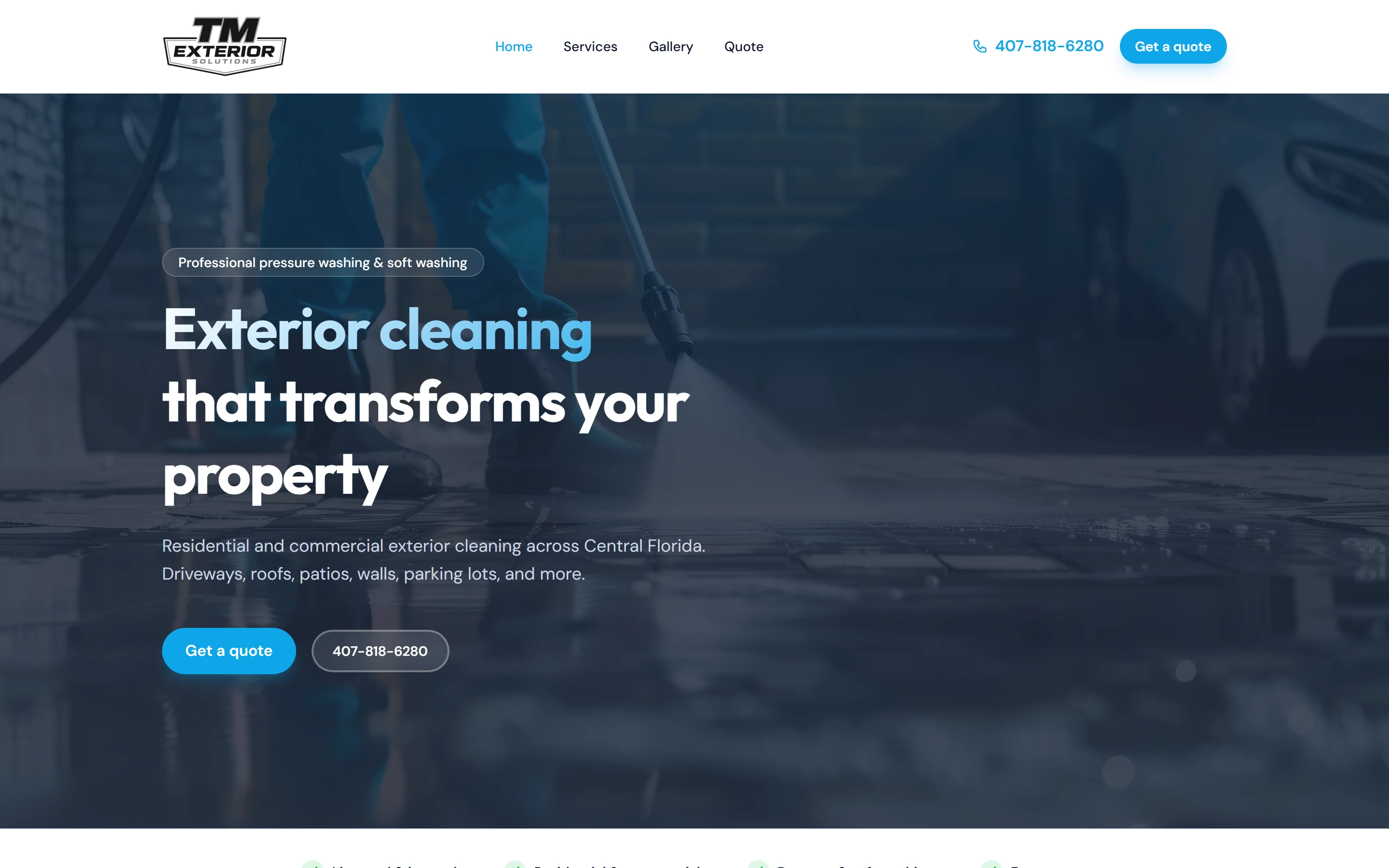
I designed and built the site from a blank Next.js project: four pages (home, services, gallery and quote), hosted on Vercel. The home page opens with the offer and two actions, get a quote or tap to call, then a trust strip, residential and commercial service grids, a gallery teaser and a closing call to action. Every page carries its own title, description and share card, and structured data tells search engines the hours, the Central Florida service area and the services offered. I also cut the source images from 40.6 MB to 1.4 MB so the pages stay light on a phone.
The star is Exterior Help, an AI assistant behind a chat button on every page. It runs on the OpenAI Agents SDK and is briefed with the company's real services, cleaning methods, service area and hours, so it answers from the same facts the pages show. Replies stream in word by word. After each one it offers three follow-up questions as buttons, so a visitor keeps going with one tap, and it can drop a link to the quote or services page straight into the conversation. It will not name a price, invent a discount or promise a date. Off-topic requests get a polite redirect back to exterior cleaning, and every conversation ends by pointing to the quote form or a phone call.
When a visitor is ready, the quote form takes a name, an email and the details, plus up to ten photos or PDFs of the surfaces, with previews before sending. Each request lands in both owners' inboxes as an email with the attachments included and a one-click reply button that opens a message already addressed to the customer, subject and greeting filled in. The first reply is a tap, not a copy and paste.
What it does
Features that pay for themselves
Each one in terms of what it does for the business, not what it is made of.
An assistant that answers at any hour
Exterior Help sits behind a chat button on every page. It knows the services, the cleaning methods, the Central Florida service area and the business hours, and its replies stream in word by word. On a phone it opens full screen and stays above the keyboard. A visitor who wants to know whether a roof can be soft washed gets a straight answer at ten at night, and three starter questions make the first tap easy.
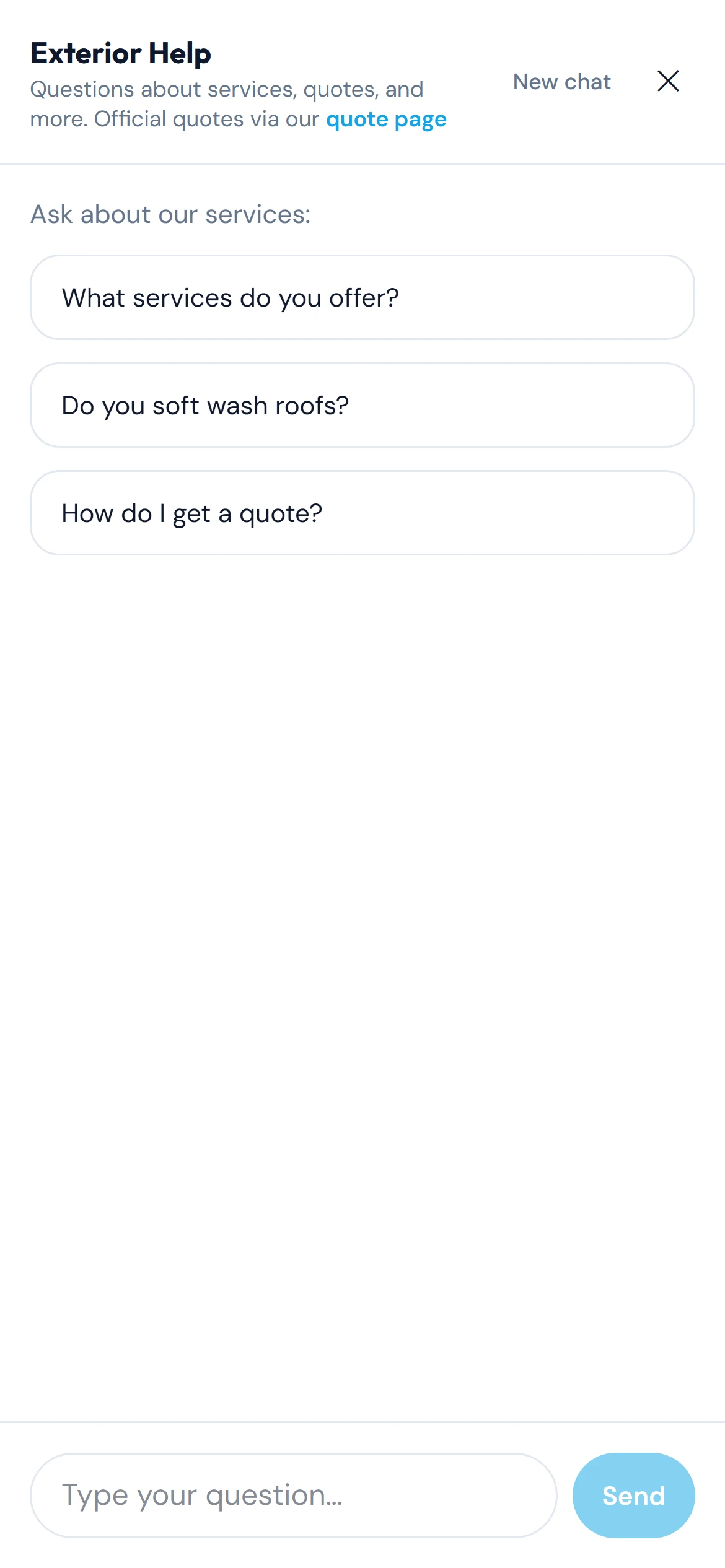
On a phone the chat takes the full screen and stays above the keyboard while typing. Every reply moves toward a quote
After each answer the assistant offers three follow-up questions as buttons, so the conversation keeps going without typing. It can place a link to the quote page or the services page right in its reply, and it closes every exchange by pointing to the quote form or a phone call. It never names a price, invents a discount or promises a date; those decisions stay with the owners. Off-topic requests get a polite redirect.
tmesinfo.com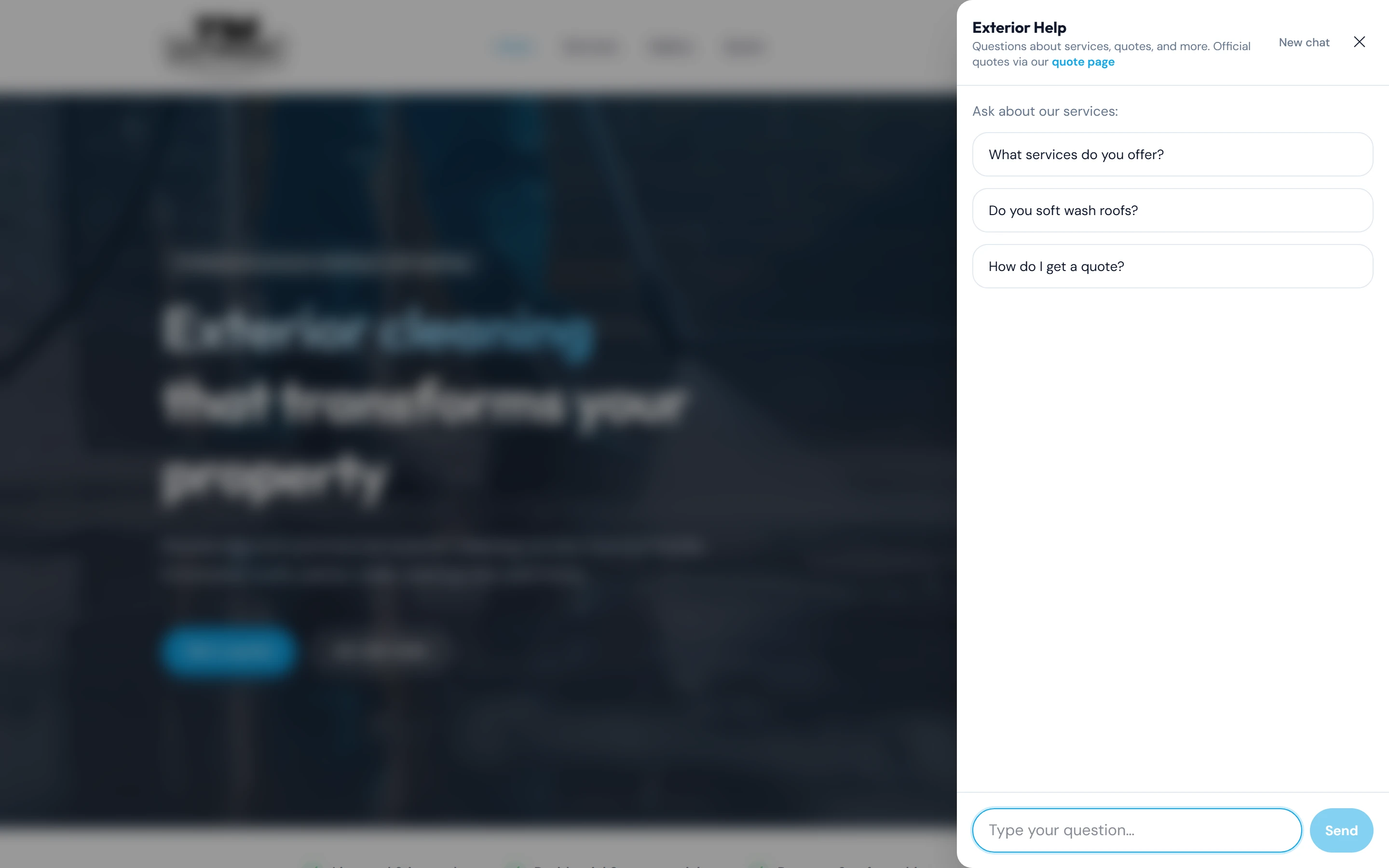
The assistant opens as a side drawer on desktop. A quote form that gathers the photos up front
The quote page asks for a name, an email and what needs cleaning, and lets the visitor attach up to ten photos or PDFs with previews before sending. Each request reaches both owners' inboxes as an email with the attachments included and a one-click reply button that opens a message already addressed to the customer, so the first reply takes a tap, not a copy and paste.
tmesinfo.com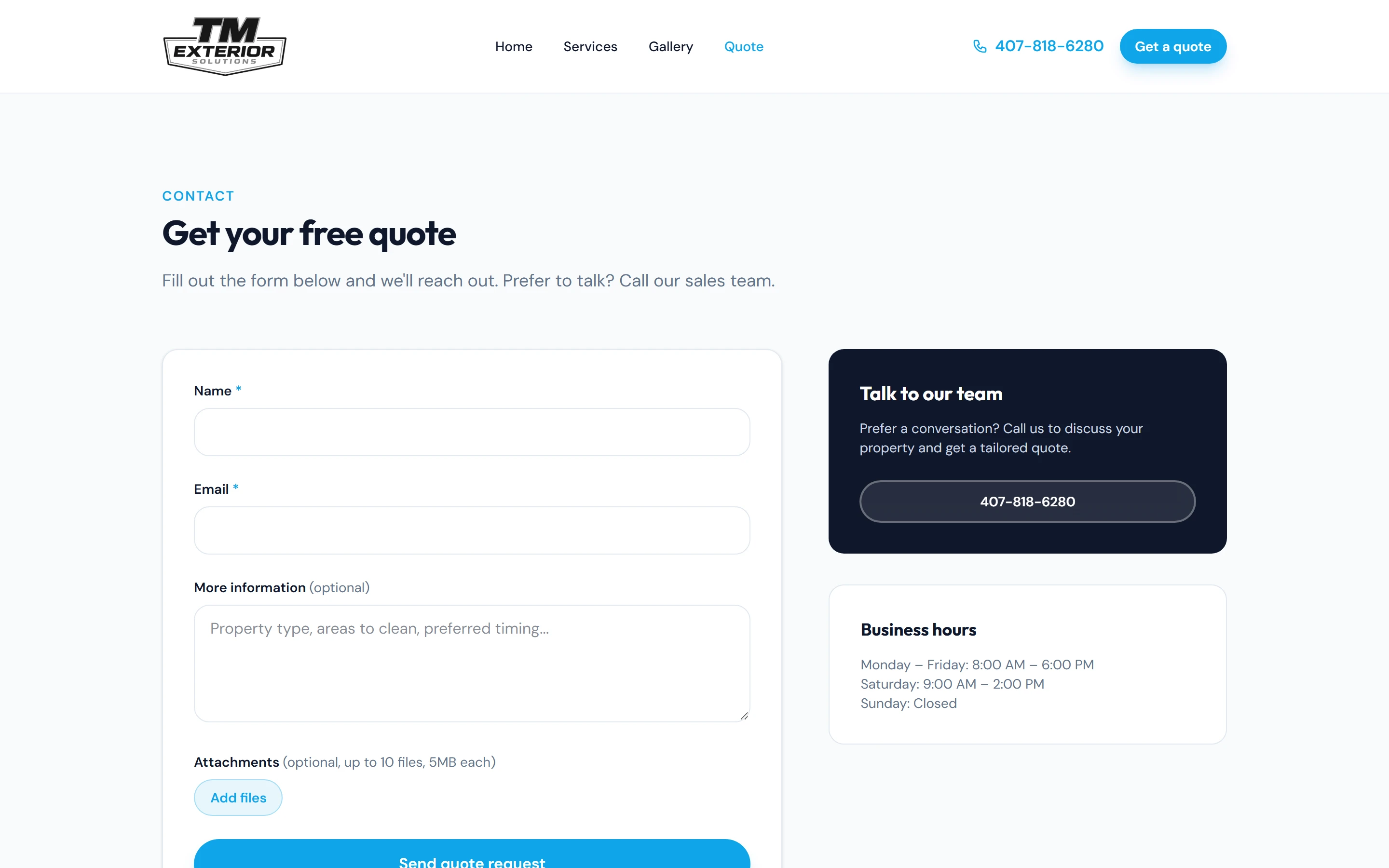
Quote form with up to ten photo or PDF attachments; the sidebar offers a call and the hours. Pages that explain the work before anyone has to
The services page spells out pressure washing versus soft washing, lists the residential and commercial jobs the crew takes on, walks through a four-step process and answers common questions in an FAQ. The home page leads with two actions, get a quote or tap to call, and a trust strip that says licensed and insured up front. Visitors reach the quote form already knowing what they are asking for.
tmesinfo.com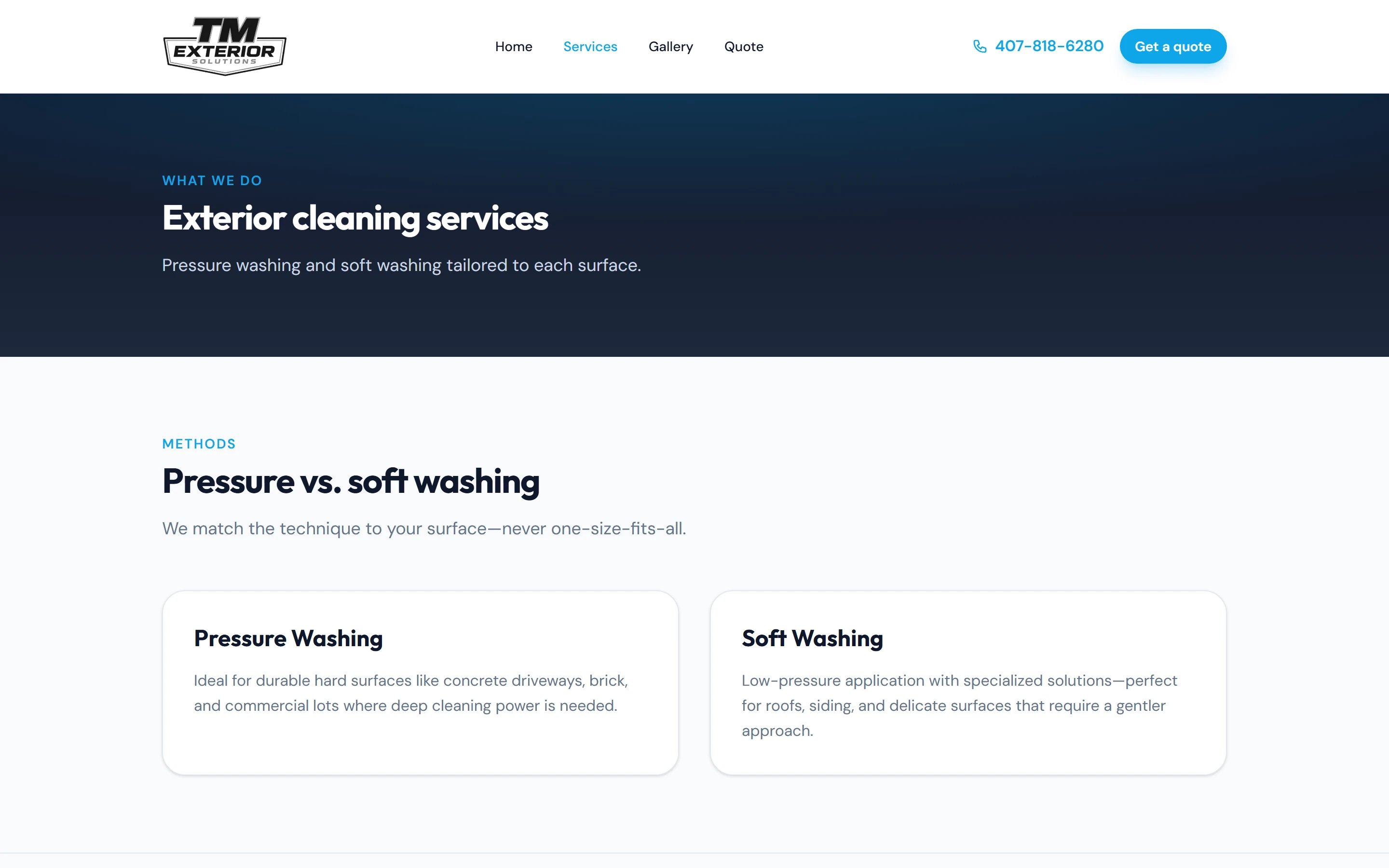
Services: methods explained, then residential and commercial cards, a four-step process and an FAQ.
Engineering
Under the hood
For the partner who reads code.
Streamed answers, with tool output turned into buttons
The chat route wraps an OpenAI Agents SDK run in a stream of Server-Sent Events with a small typed protocol: text, follow-ups, done and error. The browser reads it with a fetch stream reader instead of EventSource, which allows a JSON request body, and rolls back the optimistic message if the request fails. The follow-up questions are a tool call the agent must make after every answer. The server catches that output mid-stream, accepts it only if it is exactly three non-empty questions, and sends it as its own event, so the buttons under each reply are validated data rather than text the model happened to format well.
Links the model cannot invent, facts it cannot drift from
The assistant's only way to link anywhere is a tool that accepts one of four page keys, so it can point a visitor to the quote page but can never make up a URL. Replies render through react-markdown with raw HTML off. Every fact it knows, from hours to service area, comes from the one content module that also feeds the pages, the page metadata and the structured data for search engines. Change a phone number or add a service and the pages, the search listing and the bot update together.
Guardrails and abuse controls on a public AI endpoint
Anyone can open the chat, so the route rate-limits each visitor, caps a message at 2,000 characters and falls back to a polite 'please call us' reply when the AI is not configured. The prompt is structured: a facts-only section, a hard ban on invented prices and timelines, set responses for off-topic and 'ignore your instructions' attempts, and a mandatory closing tool call. Conversation memory lives server side under a random ID the server issues, and New chat deletes it. The quote form and its route share one set of limits (ten files, 5 MB each, images or PDF), the server validates every submission a second time, and user input is escaped before it goes into the owners' email.
Gallery
Screens
- tmesinfo.com
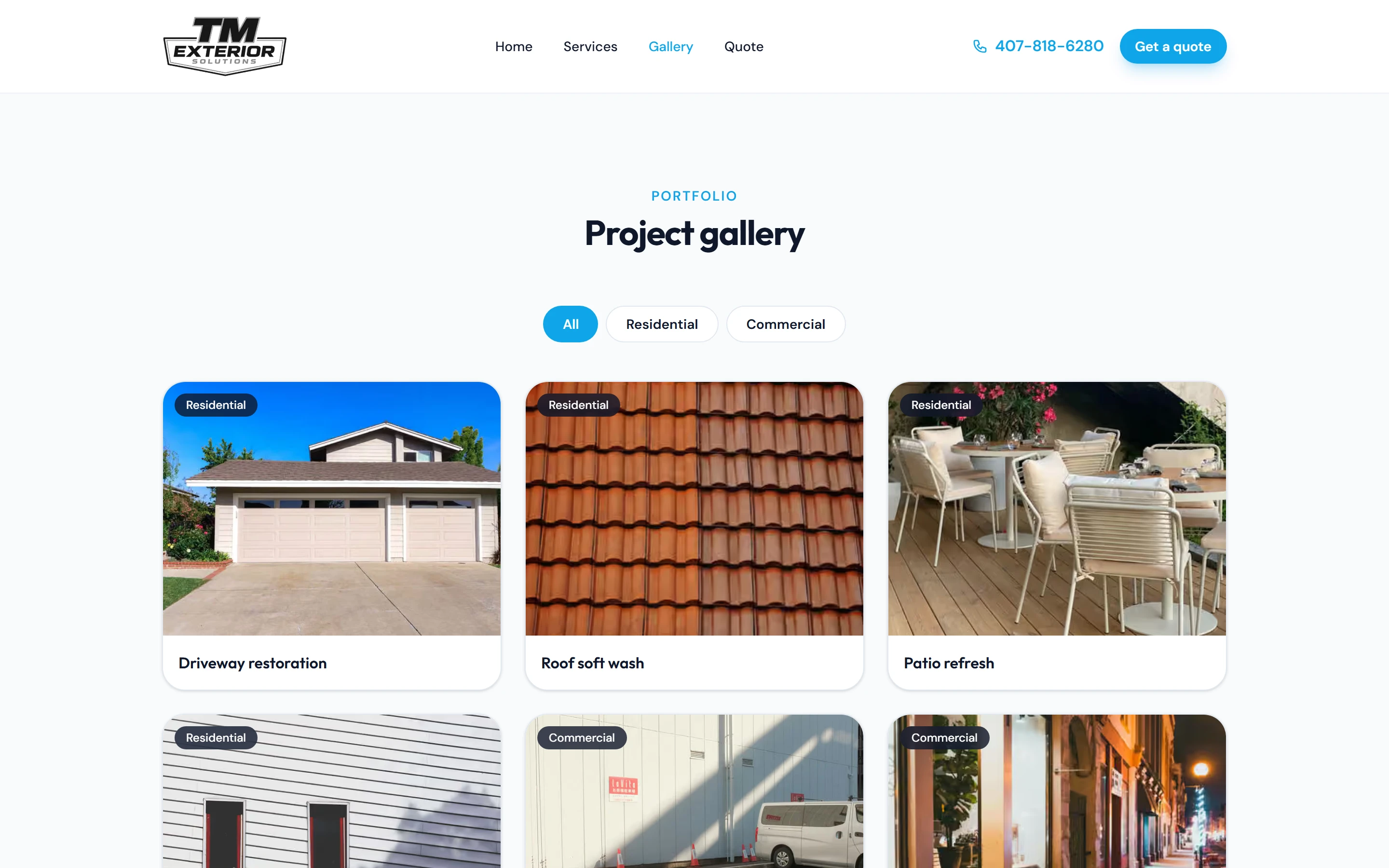
Gallery with All, Residential and Commercial filters.
On a phone

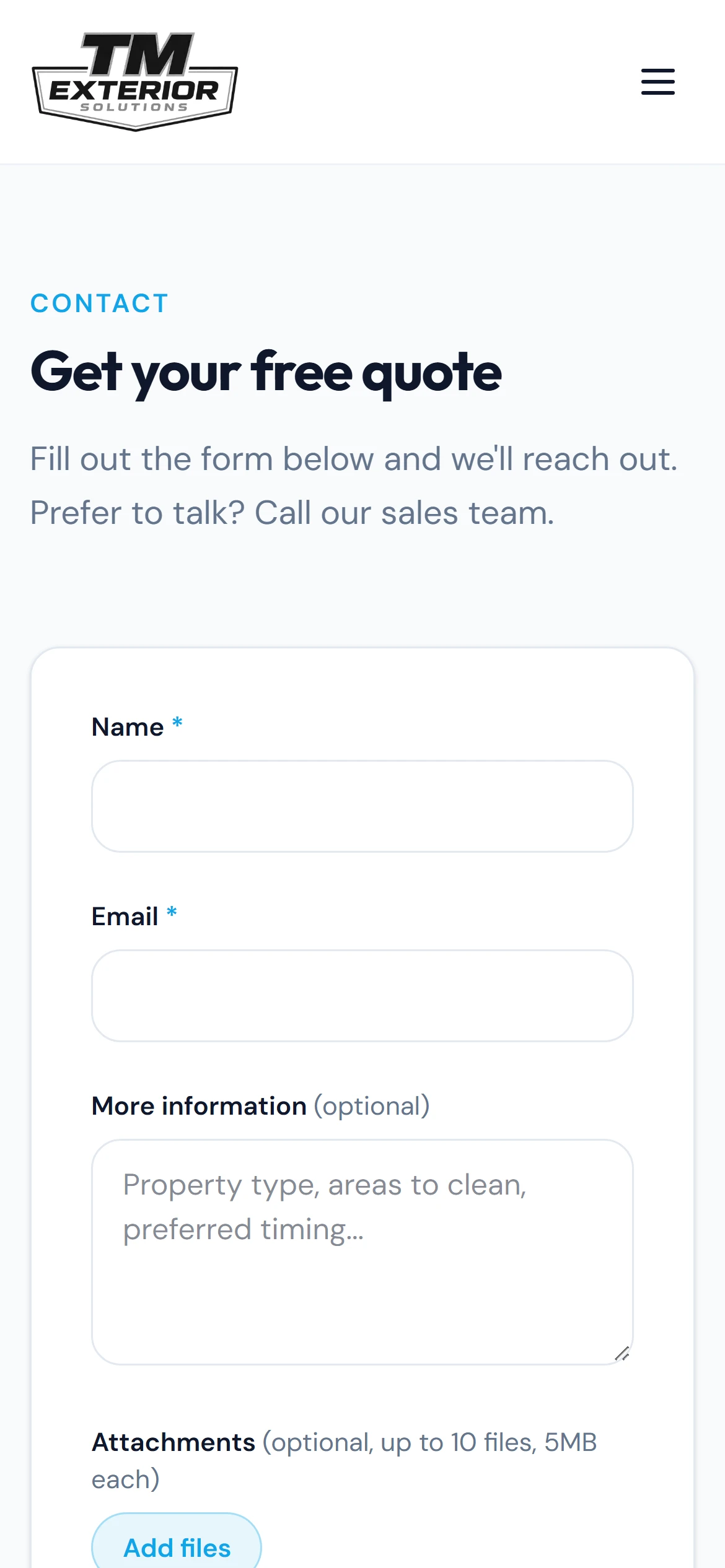
The quote form on a phone.
Building something similar?
Tell me what your business needs. I will tell you what I would build, what it would take, and whether I am the right person for it.